
Have you ever dreamed of being a movie director? Imagine if you could just tell a story, show a picture, and poof! A movie appears.
Well, guess what? Seedance 2.0 is here, and it’s exactly like that magic wand. Today, we are going to learn how to use Seedance 2.0 to create amazing videos, even if you have never edited a video in your life!
What is Seedance 2.0? (Your Magic Camera)
Think of Seedance 2.0 as a super-smart robot director. You don't need expensive cameras or actors. You just need ideas!
- Set the Scene: You give it a picture, and it knows, "Ah, this is the style we want!"
- Act it Out: You show it a video of someone dancing or moving, and your character will copy those exact moves.
- Feel the Rhythm: Add a few seconds of music, and the video will move to the beat.
With Seedance 2.0, the "Reference" feature is the coolest part. It’s like showing a hairdresser a photo and saying, "I want to look like this." But for movies! It can copy complex dance moves, camera angles, and even special effects.
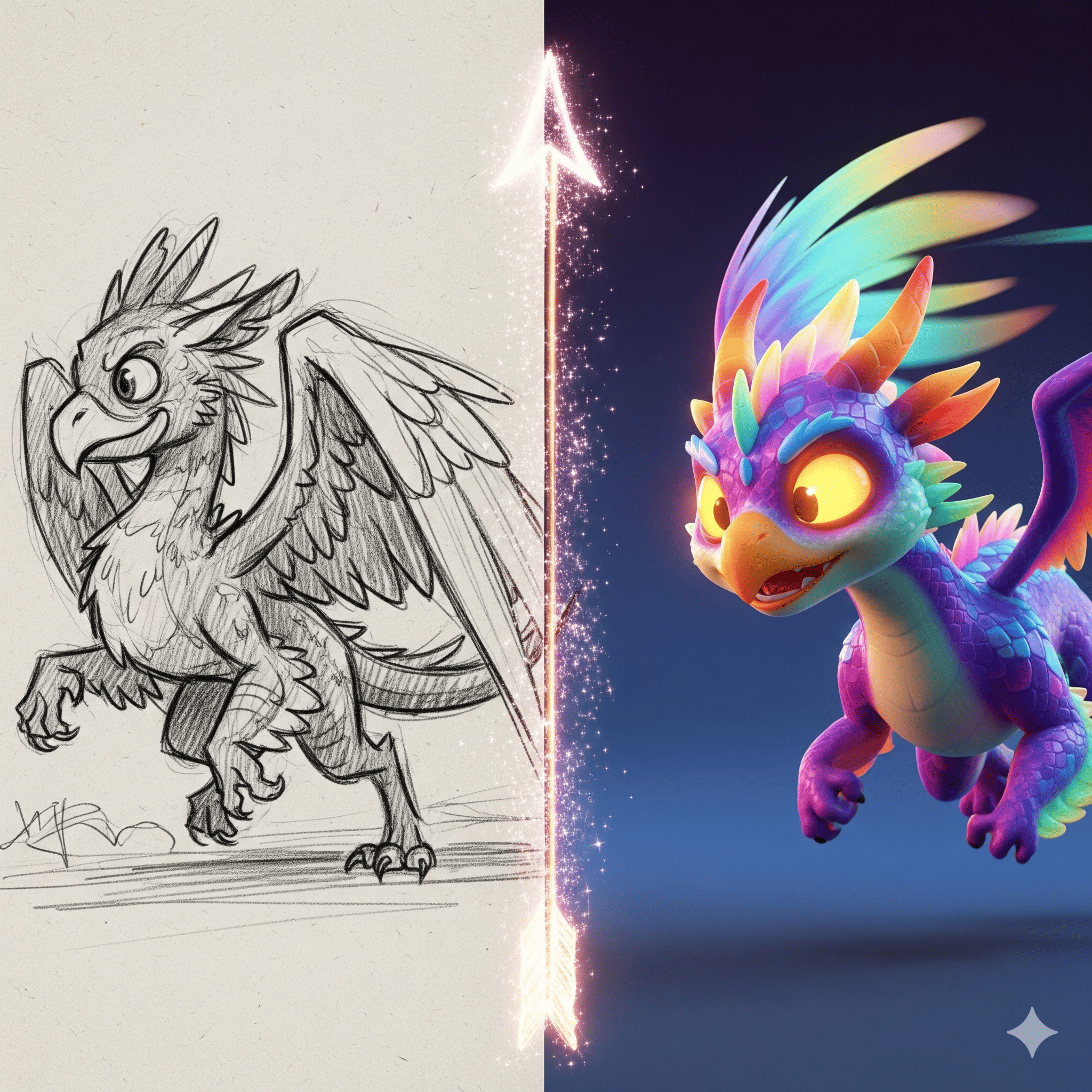
The Ingredients: What Can You Put in the Box?
Learning how to use Seedance 2.0 is like following a cooking recipe. But instead of sugar and flour, you use pictures and sounds. But be careful, the box can only hold so much!
Here is the simple recipe:
- Pictures (The Look): You can upload up to 9 photos. These tell the AI what the world looks like. (Files like JPEG or PNG are great!).
- Videos (The Action): You can use up to 3 video clips.
- Keep them short (2 to 15 seconds).
- Make sure they look clear (Standard HD quality is perfect).
- Note: Using video references might cost a tiny bit more magic credits!
- Audio (The Vibe): Up to 3 sound clips (MP3 or WAV). Keep them under 15 seconds.
- Text (The Script): Just type what you want to see!
⚠️ Important Rule: You can mix these ingredients, but you can't have more than 12 files in total. Tip: Always pick the files that show the style or action best!
Can I Fix My Movie?
Yes! If the scene isn't perfect, you don't have to start over. You can swap characters, add new things, or cut parts out. You can even extend the video if you want the story to continue!
Try it for Free!
Are you ready to start directing? You might be wondering how to use Seedance 2.0 free.
Mark your calendars! On February 24th, our website will officially support Seedance 2.0. Bonus: All new users who register will get one free trial opportunity!
Don't wait. Get your photos and music ready, and let's make some movie magic together!